Every team that builds software on business data has the same problem: the tests need data that looks like production, and production data should not be in a test environment. Copying and masking production is slow and leaks more than people think; hand-made fixtures are too small and too clean. InsightDataGen generates the data instead, from a description of what it should look like, and delivers it to wherever the tests read: files, buckets, databases, webhooks or Kafka topics.
Four jobs, one tool
1. Related tables from a schema
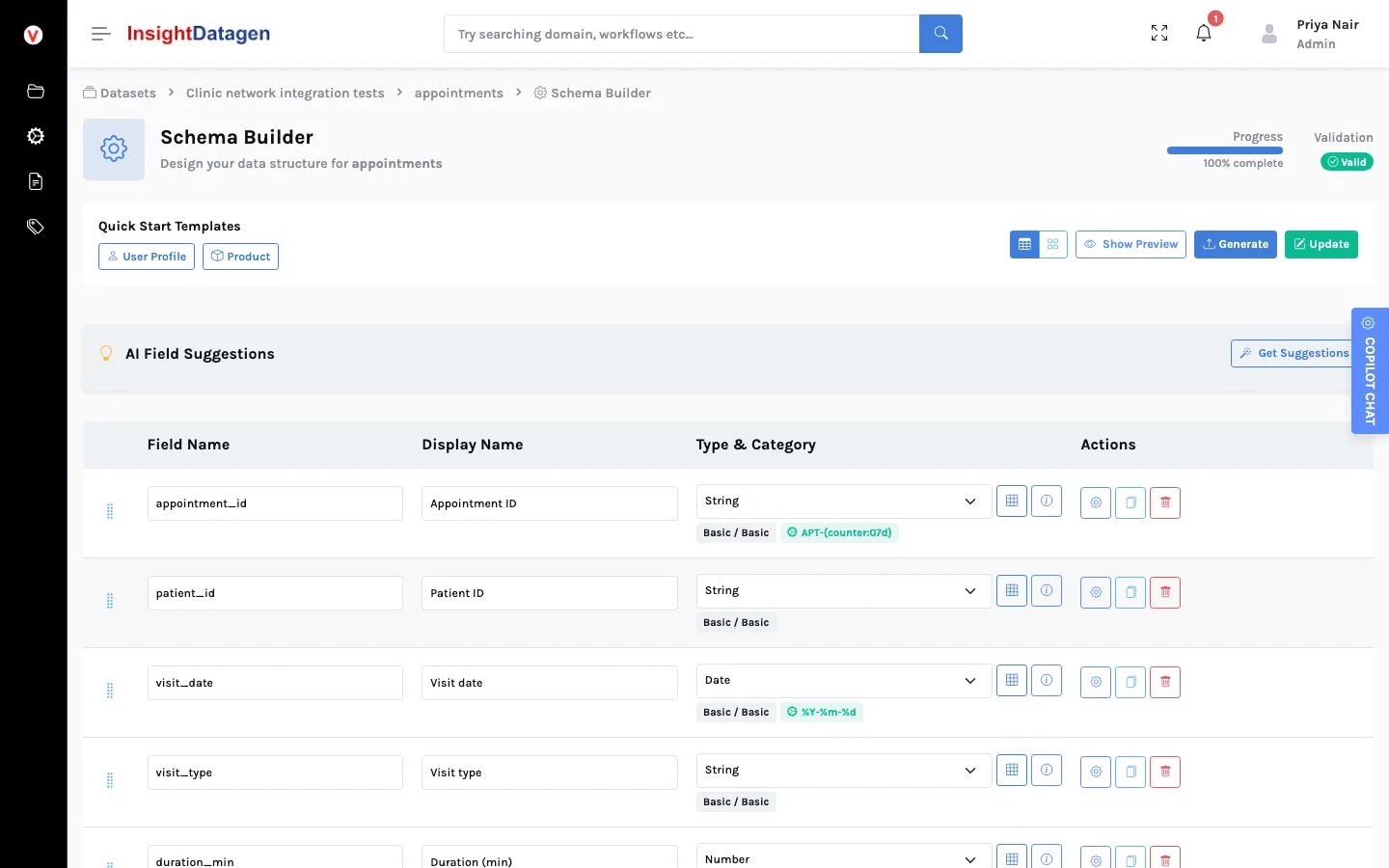
You describe tables in YAML: fields with types, formats (for example POL-{counter:06d}), ranges, precision, allowed
values, uniqueness, and links between tables through foreign keys. InsightDataGen generates the rows table by table, applying
formats, allowed values and numeric ranges, and a short check step in your test setup confirms keys and dates across related tables.
Schema-driven generation lists what to check.
2. Streams to Kafka
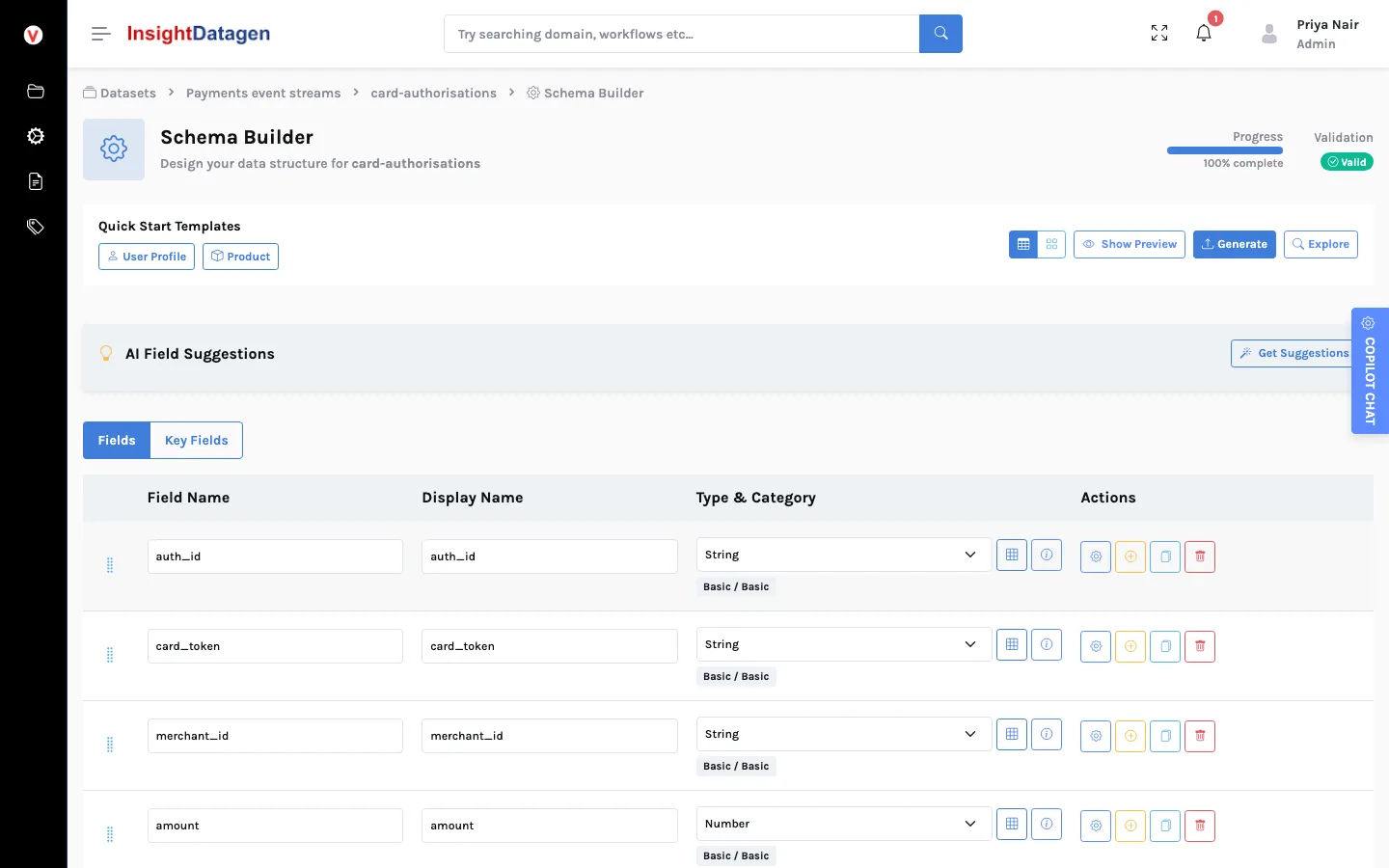
From a folder of schema files it writes a multi-topic configuration, then produces records to each topic on an interval for a set time, serialised as Avro, JSON or Protobuf against a schema registry, with SASL credentials when the cluster needs them. See streaming test data to Kafka.
3. Documents from templates
Given a template (DOCX, PDF or text) and a schema for its fields, it generates one document per record and writes DOCX, PDF or text, locally or to S3. Useful for testing document extraction, OCR or any workflow that starts with a file.
4. De-identifying real documents
When real documents are needed (to develop an extraction model on genuine layouts, say), the de-identification workflow detects the sensitive entities across a whole batch, proposes one synthetic value for each, lets a person review and override the mapping, and only then rewrites every document with it. See document de-identification.
Faker or an LLM
Each generation run uses a generator: faker (fast, local, rule-based values from a field's type and constraints) or llm (a language model writes values that fit a field's description, for free text and domain-specific vocabulary). Both read the same schema. See choosing Faker or an LLM.
How you run it
- CLI, for scripts and CI: generate data, generate documents, write Kafka configs, stream, desensitize a CSV, send webhook traffic.
- API, for applications and the web UI: the same capabilities, plus de-identification projects with progress streamed to the client.
- A container image, so a pipeline can mount a schema and an output folder and run one command.
Generating versus copying production
| Copy and mask production | Generate from a schema | |
|---|---|---|
| Realism | Real distributions and real oddities | As realistic as the rules you write |
| Exposure | Real records leave production; masking can miss columns and free text | No real records involved |
| Edge cases | Only the ones that happened | Any you can describe, in a dedicated run |
| Repeatability | Depends on the next extract | The schema is a file in the repository |
| Effort | An extract and masking job per refresh | Writing and checking the schema once, then reruns |
The two are not exclusive. Most teams generate the bulk of a test environment and keep a small, approved, desensitized sample for the few tests that need a real file's quirks.
A first run
The shortest useful run is one command: generate data with --option local, --type csv,
--generator faker, the path to a schema and an output folder. It writes one CSV per table, named after the table. Three
defaults are worth knowing before you script it:
- The generator defaults to
llm, with the Perplexity model. Pass--generator fakerfor a run that needs no model, no key and no network. - A table's
num_recordsin the schema wins over--records; the option only fills in for tables that do not set a count. - Document generation defaults to two records, which is right for checking a template and wrong for a test set.
Other destinations swap the option: s3 with a bucket and key, sql with a database URL, nosql with a MongoDB
URI and database name. The schema does not change.
Who uses it, for what
| Role | Typical use | Start with |
|---|---|---|
| QA and test engineering | Rebuildable test databases and files for a release | A schema per system, Faker, local files or SQL |
| Integration and platform teams | Steady traffic to an endpoint or Kafka topics | The webhook or Kafka streaming commands |
| Document and AI teams | Filled documents for extraction tests; de-identified real documents for model work | Document templates; a de-identification project |
| Data and privacy teams | An alternative to copying production into test | Generation first; desensitizing only where the real file's structure is the point |
Questions buyers ask
Does it need an AI model?
Not for Faker runs, which are local. The LLM generator and AI-written document text use OpenAI or Perplexity, configured with your keys; document de-identification uses a model on AWS Bedrock in your own account.
Does it learn from our production data?
No. Generation follows the schema you write. The one feature that reads real content is de-identification, which works on the documents you upload to a project and keeps a reviewable mapping of what it replaced.
Can it run in CI?
Yes: the CLI runs in a container with the schema and an output folder mounted. For the streaming commands, the container's entry script repeats the command every interval seconds until max-time (5 and 60 seconds unless you set them).
What the web UI looks like
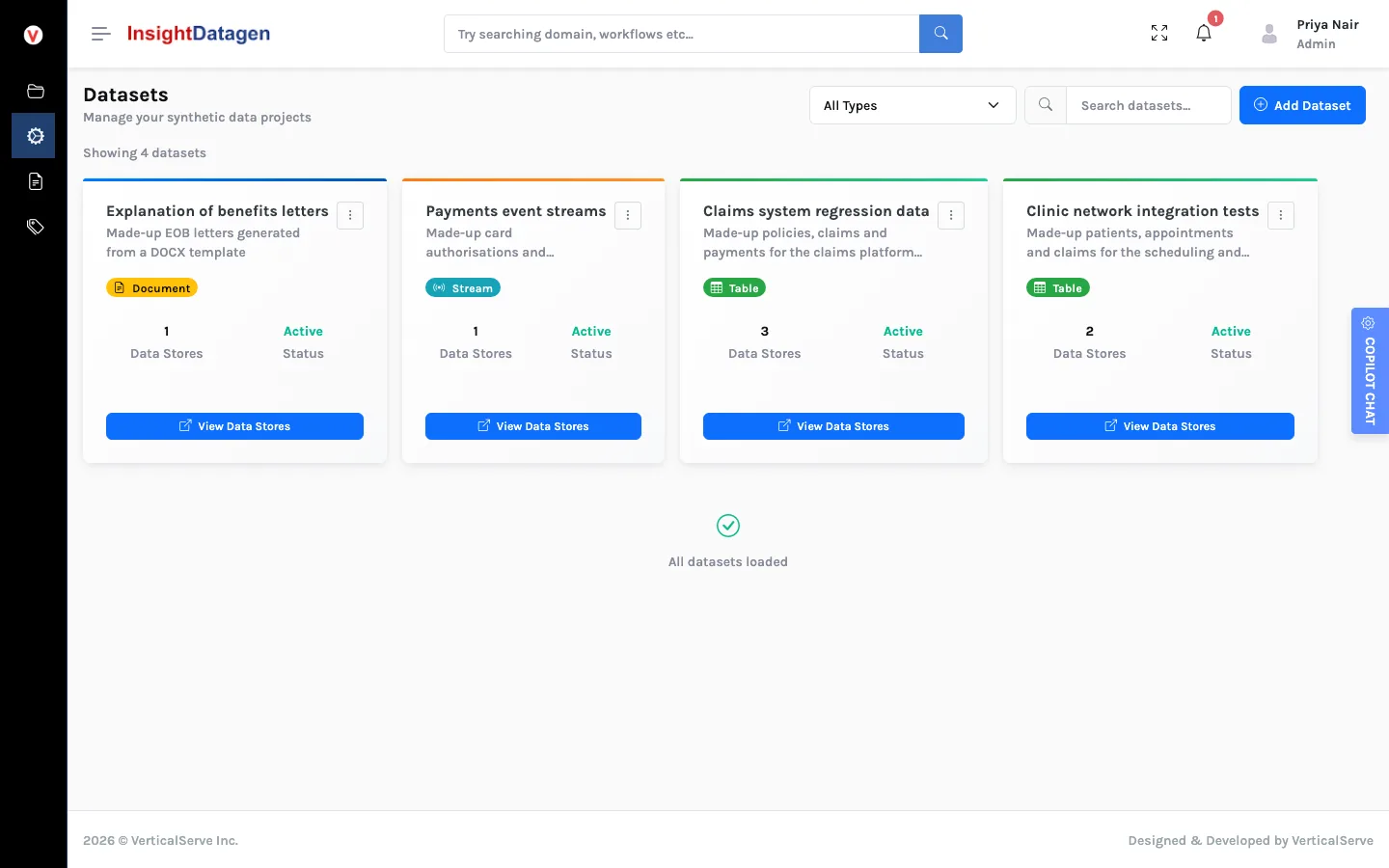
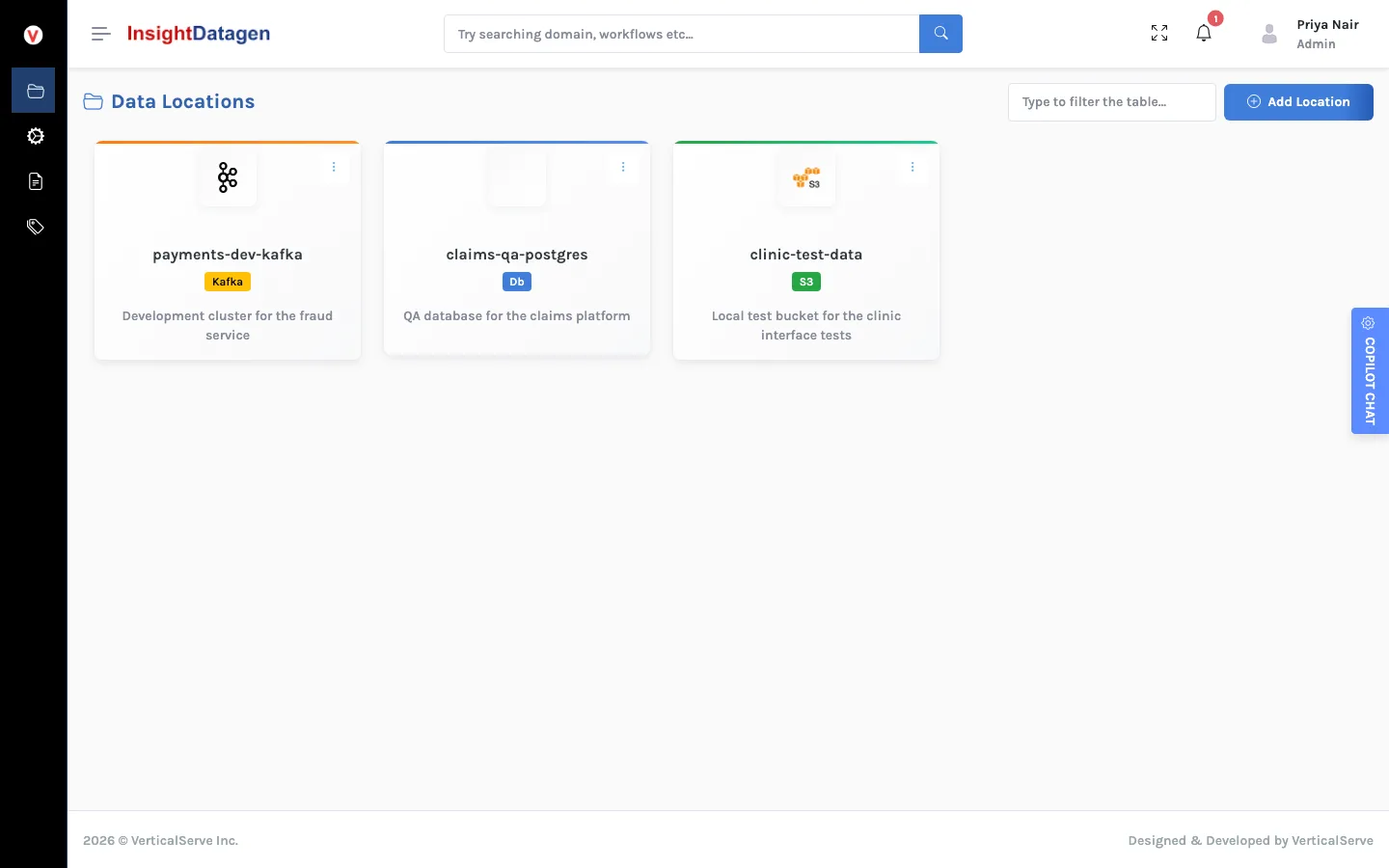
In the web UI, work is grouped into datasets; each dataset holds data stores (a table, a document template or a Kafka stream) and each data store has its fields and a Generate action.
Where people stay in charge
Synthetic data generated from a schema follows the rules you write: ranges, allowed values and the links between tables, which your test setup checks on every run. De-identification uses a model to find entities, and a person reviews the mapping before any document is rewritten. Both reduce the risk of real data reaching a test environment, with people making the final call.