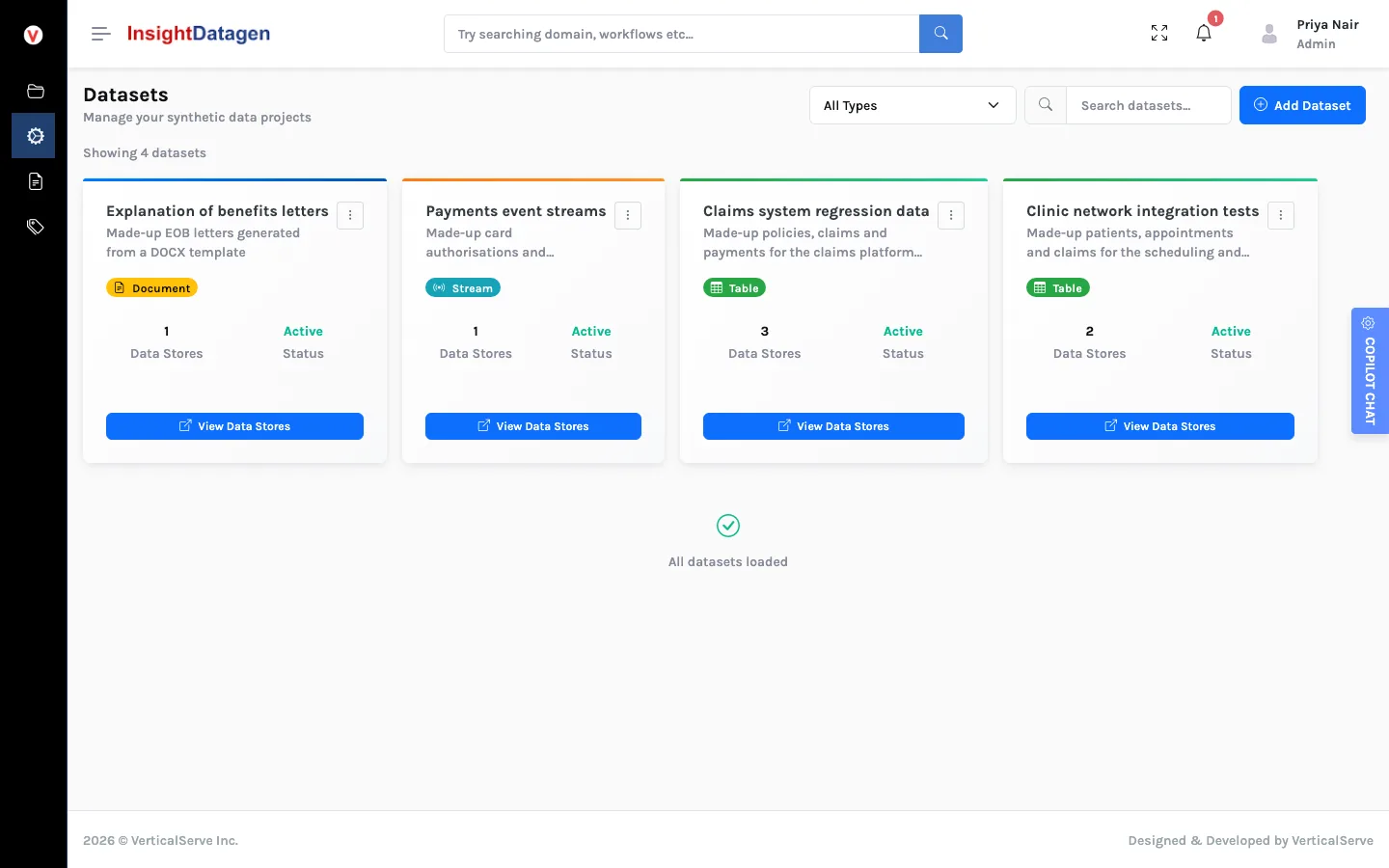
InsightDataGen gives you three ways to fill a test environment: generate with Faker, generate with an LLM, or desensitize a real file. They are not competitors; most good test environments use two of them. This guide is about picking deliberately.
Faker: the usual choice
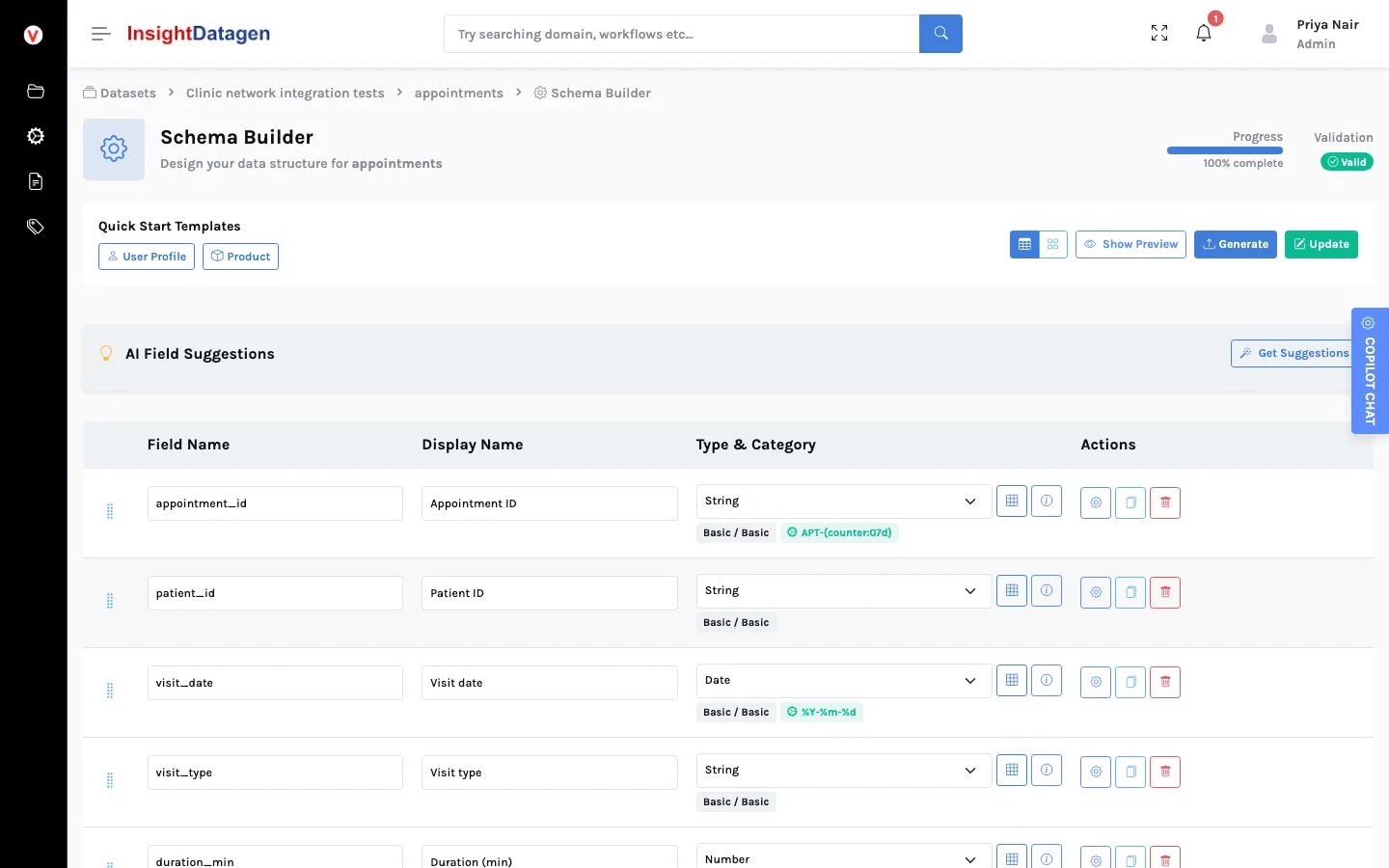
The Faker generator produces values from each field's type and constraints: identifiers from a format such as
CLM-{counter:06d}, numbers within a range at a precision, dates in a format, codes from an allowed_values
list, and plausible names, emails, cities or companies for fields whose names suggest them. It is fast, runs locally, costs nothing per
record and gives the same kind of output every time. Check keys, links between tables and date order in the output before a test
depends on them (see schema-driven generation). For unit tests, integration tests and volume tests it is almost always the right choice.
LLM: when the words matter
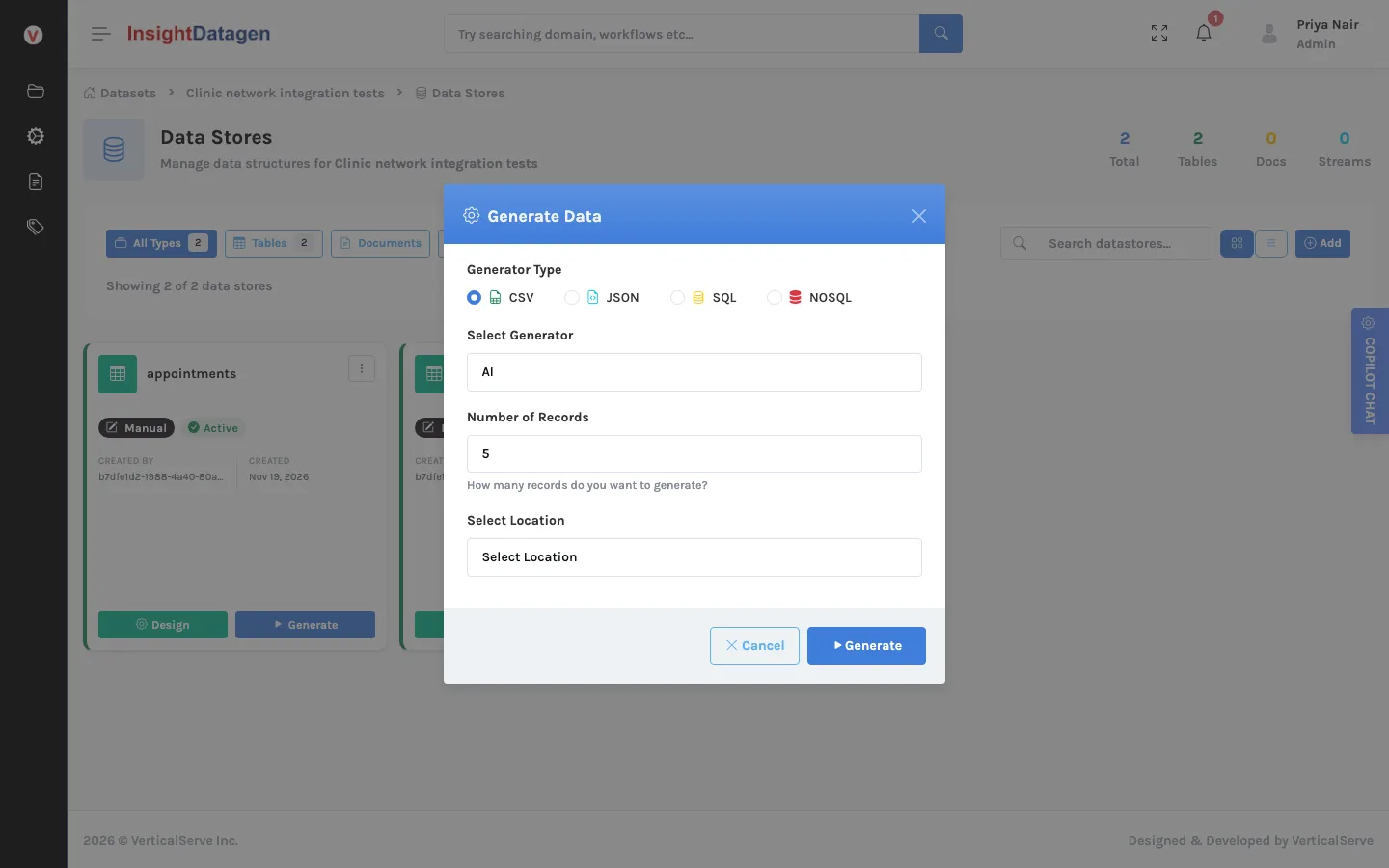
In the web UI the choice is one field in the Generate dialog: No AI runs the Faker generator and AI runs the LLM generator.
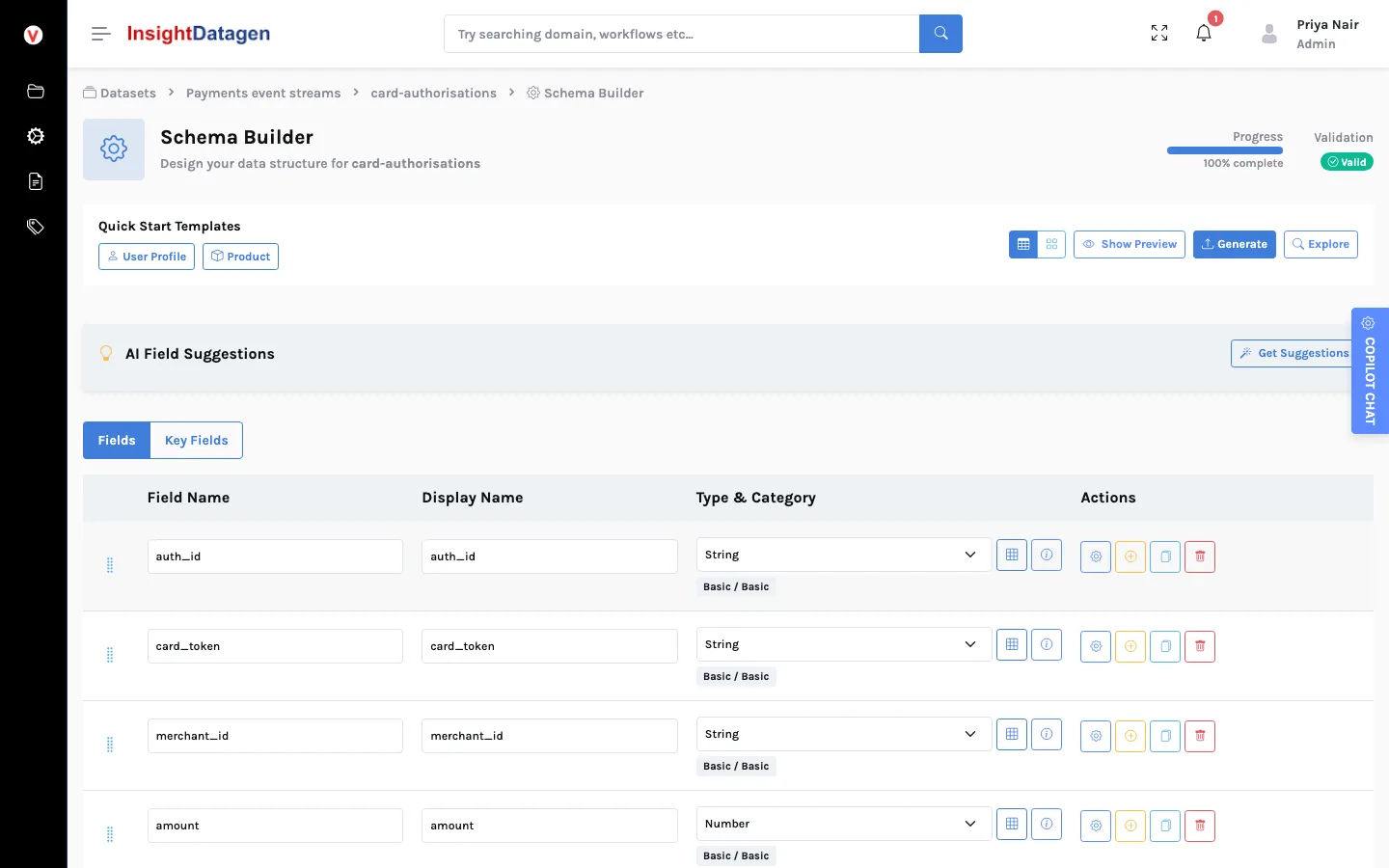
The LLM generator asks a language model to produce rows that fit each field's description and examples, with the schema's rules given to the model as guidance rather than enforced. Each table is sent in its own requests, so the model never sees the parent table's generated keys, and child rows will not reference them. It earns its cost where text is the point: claim descriptions a search feature must index, notes a summarisation feature must read, clauses in a generated document, free-text fields a UI must lay out. It needs a model and credentials configured, it is slower, and its output varies between runs.
desc. Examples help too: the schema's example values are part of what the model sees.What an LLM run costs you
The LLM generator works in batches of ten rows, one request per batch, with two retries. A batch that still fails is skipped, so a run can come back short; count the rows. It is configured for OpenAI or Perplexity (Perplexity is the default when you do not name a model), which means a key, network access and a per-request cost, and the field descriptions and examples you write are sent to that provider. Keep anything confidential out of them.
Desensitize: when the real shape matters
Sometimes a test must reproduce a specific real file's quirks: its column order, its blank patterns, its awkward encodings. The
desensitize command takes a real CSV and a rules file and applies a transformation per field: mask (digits replaced
with *), tokenization (each value replaced with a token) or pseudo-random (a hashed number). It
only transforms the fields you list, so a field you forget stays real. Use it on a copy, in a controlled place, and only for files you are
allowed to use for testing.
What each transformation really does
| Rule | What happens to the column | Consequence |
|---|---|---|
mask | Every digit becomes *; letters and punctuation stay | Fine for card or account numbers; useless for names, which have no digits |
tokenization | Each row gets token_0, token_1… by its position in the file | The same customer on two rows gets two tokens, so grouping and joins on that column are lost |
pseudo_random | Each value becomes a number from a hash, modulo 99,999 | The same value maps to the same number within one run, but Python varies string hashes between runs by default, and different values can collide |
These rules work column by column. When a test needs the same customer to stay the same customer across rows or files, generate the data instead, or, for documents, use a de-identification project, whose mapping is consistent across the whole batch.
Side by side
| Faker | LLM | Desensitize | |
|---|---|---|---|
| Speed and cost | Fast; runs locally; no per-record cost | Slower; calls a model; costs per run | Fast; local |
| Keys, codes, numbers, dates | Formats, codes and numeric ranges as the schema says; check keys and dates after each run | Guided by the prompt; each table is its own request, so check keys across tables | Real structure, transformed values |
| Free text (notes, descriptions) | Generic | Reads like the domain | Real text unless the field is transformed |
| Needs | Nothing beyond the tool | A model and credentials | A real file you are allowed to use |
| Best for | Unit, integration and volume tests | UI, search, document and AI tests | Reproducing a specific real-data shape |
Combining them
- Generate the core tables with Faker for numbers, codes and formats, then check keys, relationships and dates in a short step in your test setup.
- Generate a smaller run with the LLM for the tables whose free text a feature depends on.
- Generate documents from templates last, filling them from the generated records.
- Keep one schema file per system, with the generator choice recorded next to each run in your test scripts.
- Reserve desensitizing for the one or two files whose real quirks a test must reproduce.
A worked choice
Example, made up: a team testing a claims search feature needs 5,000 claims with realistic loss descriptions, plus one supplier
file that has broken the importer twice. They generate the 5,000 claims with Faker for every structured field, then a run of 200 with the
LLM generator for the description field only, and copy those descriptions over a sample of the Faker rows. The supplier file is
desensitized with mask on its account numbers, after checking that it has no name or address columns. Three tools, each where it
is strongest; nothing here is a benchmark.
Is a Faker run reproducible?
Not value for value: the generator is not seeded, so two runs of the same schema give different names and numbers with the same shape. If a test needs identical data every time, generate once and commit the output, or load it from a fixed snapshot, rather than regenerating in every pipeline.
Questions to ask before each run
- Which test is this data for, and what would make that test pass for the wrong reason?
- Does anything in this run come from a real person or customer? If so, why, and who approved it?
- Can the run be repeated from files in the repository?
Back to the start: what InsightDataGen is.