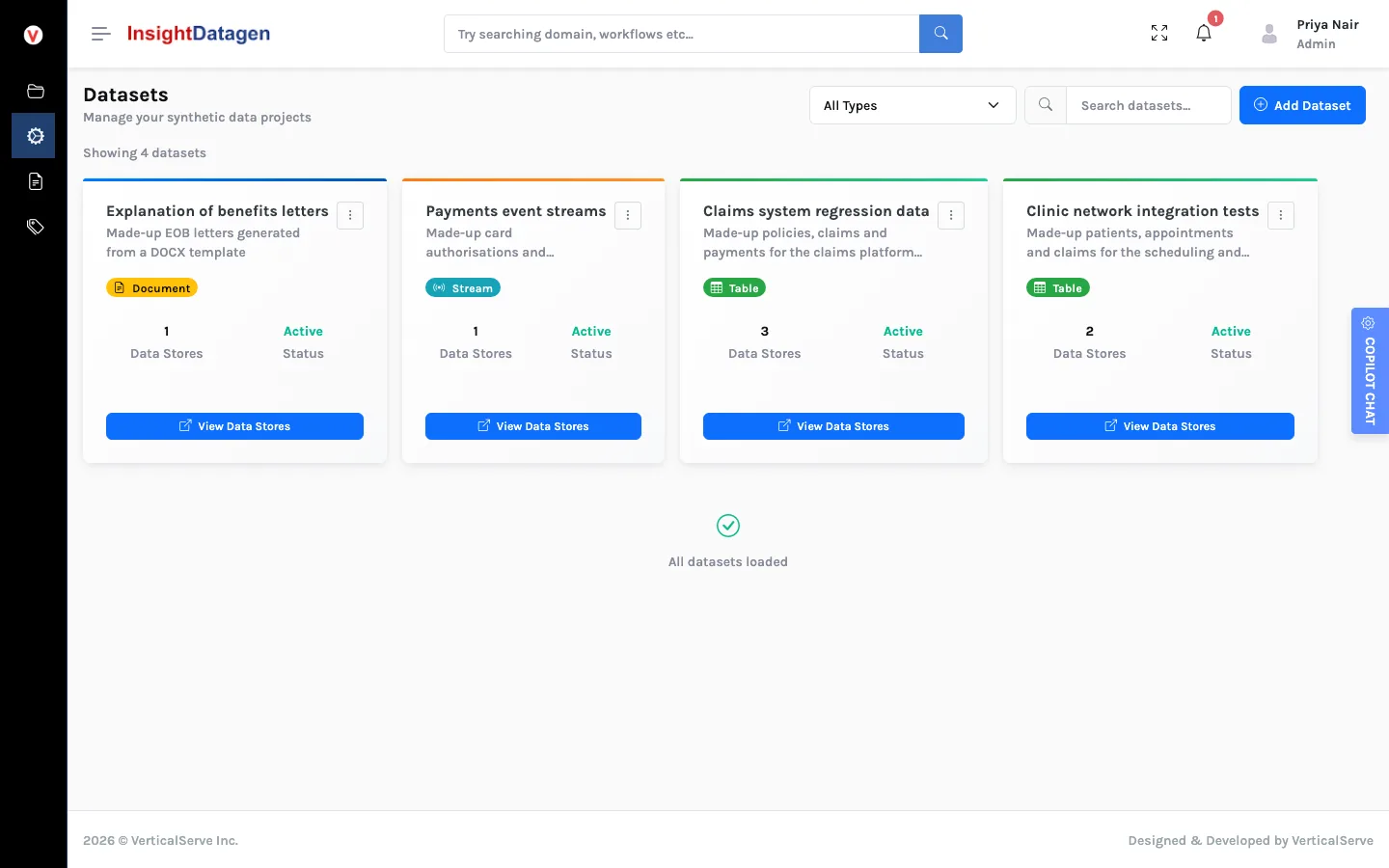
Test data breaks tests in two ways. Either it is too regular (every customer called "Test User", every amount 100) so the tests pass on data that never happens, or it is incoherent (a claim for a policy that does not exist) so the tests fail on data that never happens either. A schema that states the rules once, and a generator that follows them across tables, solves both.
A schema in YAML
structured_data:
  tables:
    - table_name: PolicyDetails
      description: Insurance policy data
      num_records: 25
      fields:
        - name: policy_id
          type: string
          format: "POL-{counter:06d}"
          uniqueness: true
        - name: premium_amount
          type: float
          range_min: 100.0
          range_max: 5000.0
          precision: 2
        - name: policy_start_date
          type: date
          format: '%Y-%m-%d'
          range_min: "2020-01-01"
          range_max: "2024-01-01"
        - name: policy_status
          type: string
          allowed_values: ["Active", "Expired", "Cancelled"]

    - table_name: ClaimsDetails
      num_records: 100
      fields:
        - name: claim_id
          type: string
          format: "CLM-{counter:06d}"
          uniqueness: true
        - name: policy_id
          type: string
          foreign_key:
            table: PolicyDetails
            column: policy_id
Abridged from the insurance example schema that ships with InsightDataGen.
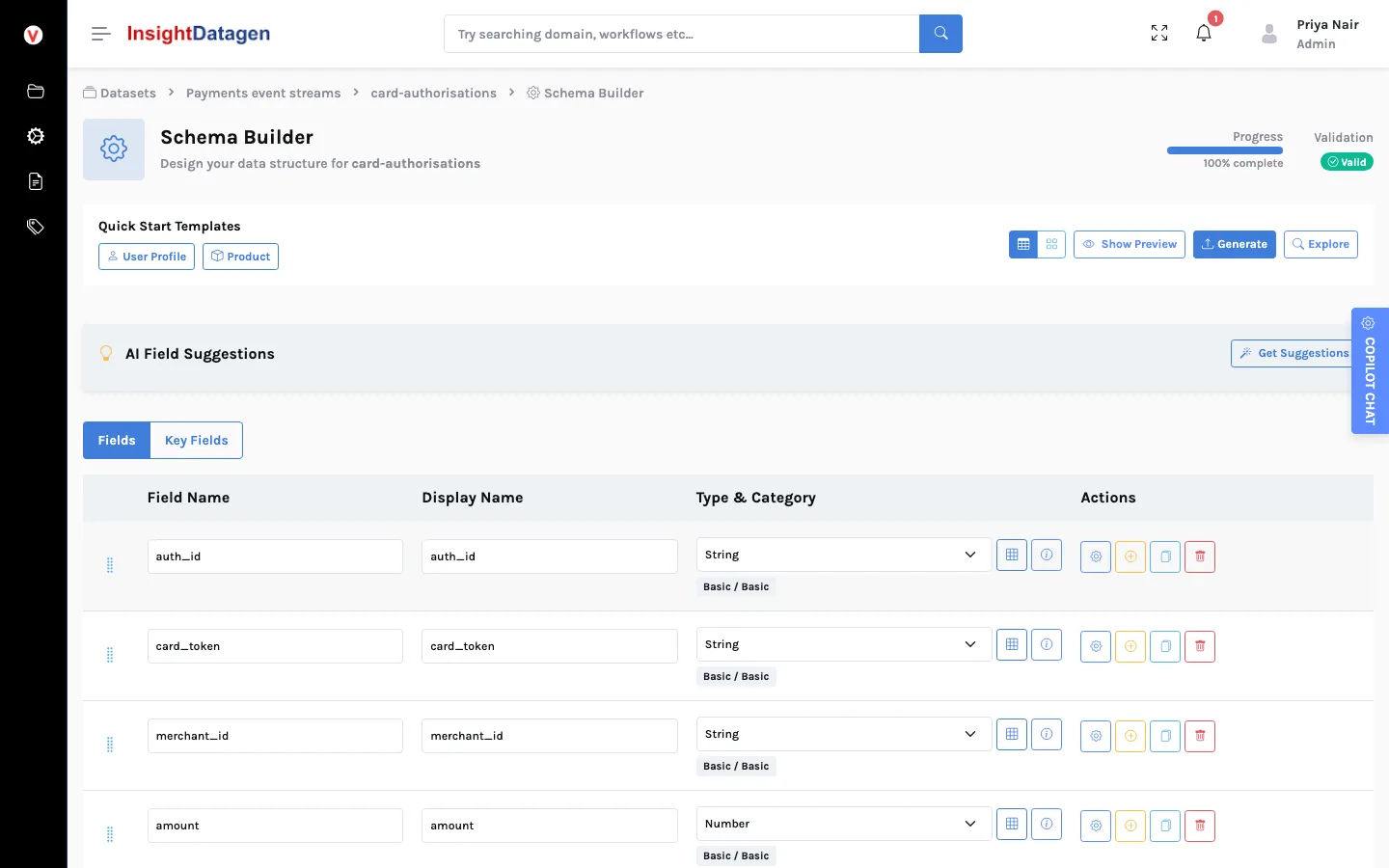
A schema is a list of tables, each with a name, a description, a number of records and fields. A field has a name (and optionally a display name and description, which matter when an LLM generates the values), a type (string, integer, float, date…) and the constraints that make it realistic:
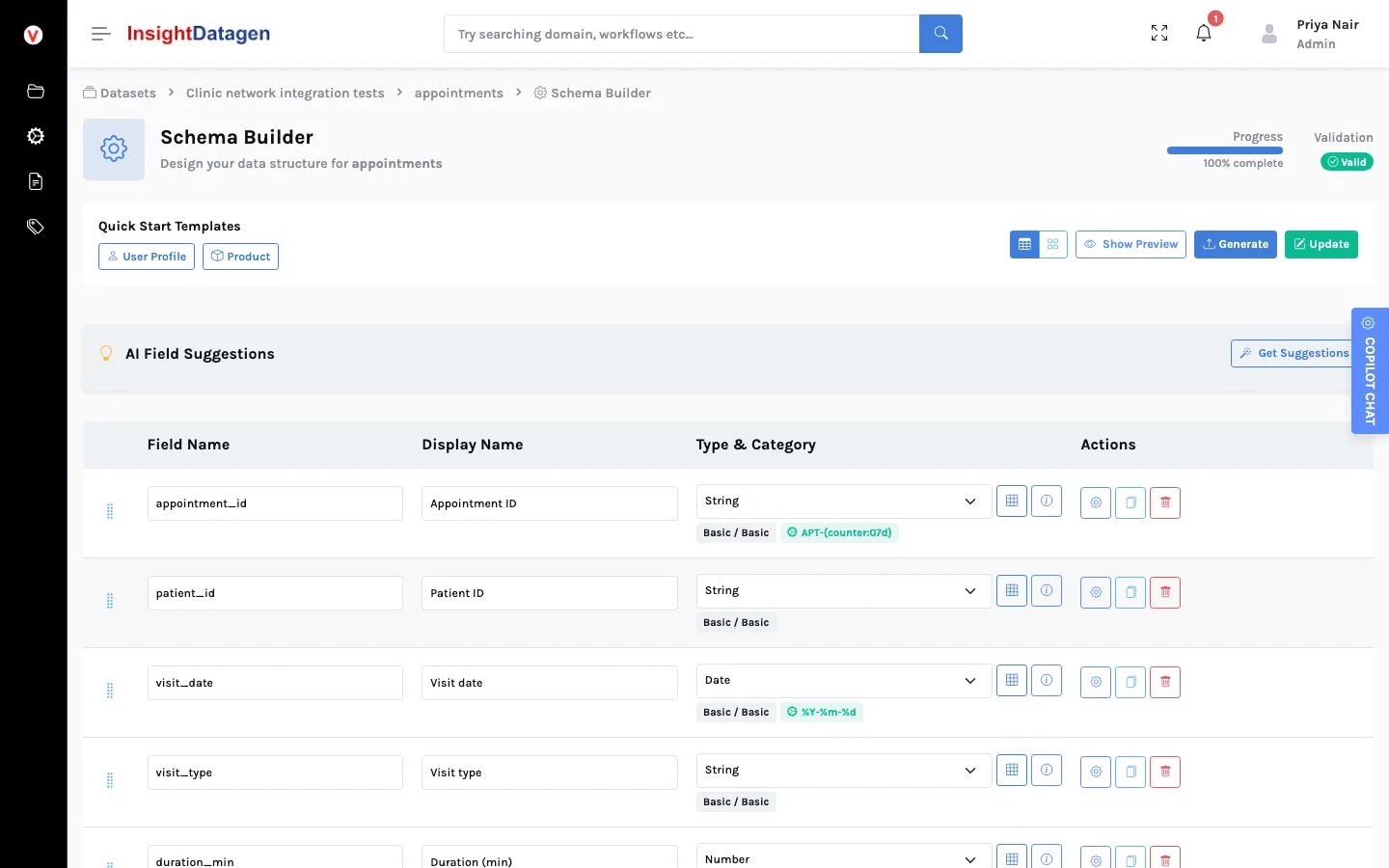
- format: a pattern such as
POL-{counter:06d}for identifiers, or a date format like%Y-%m-%d; - range_min / range_max and precision for numbers and dates;
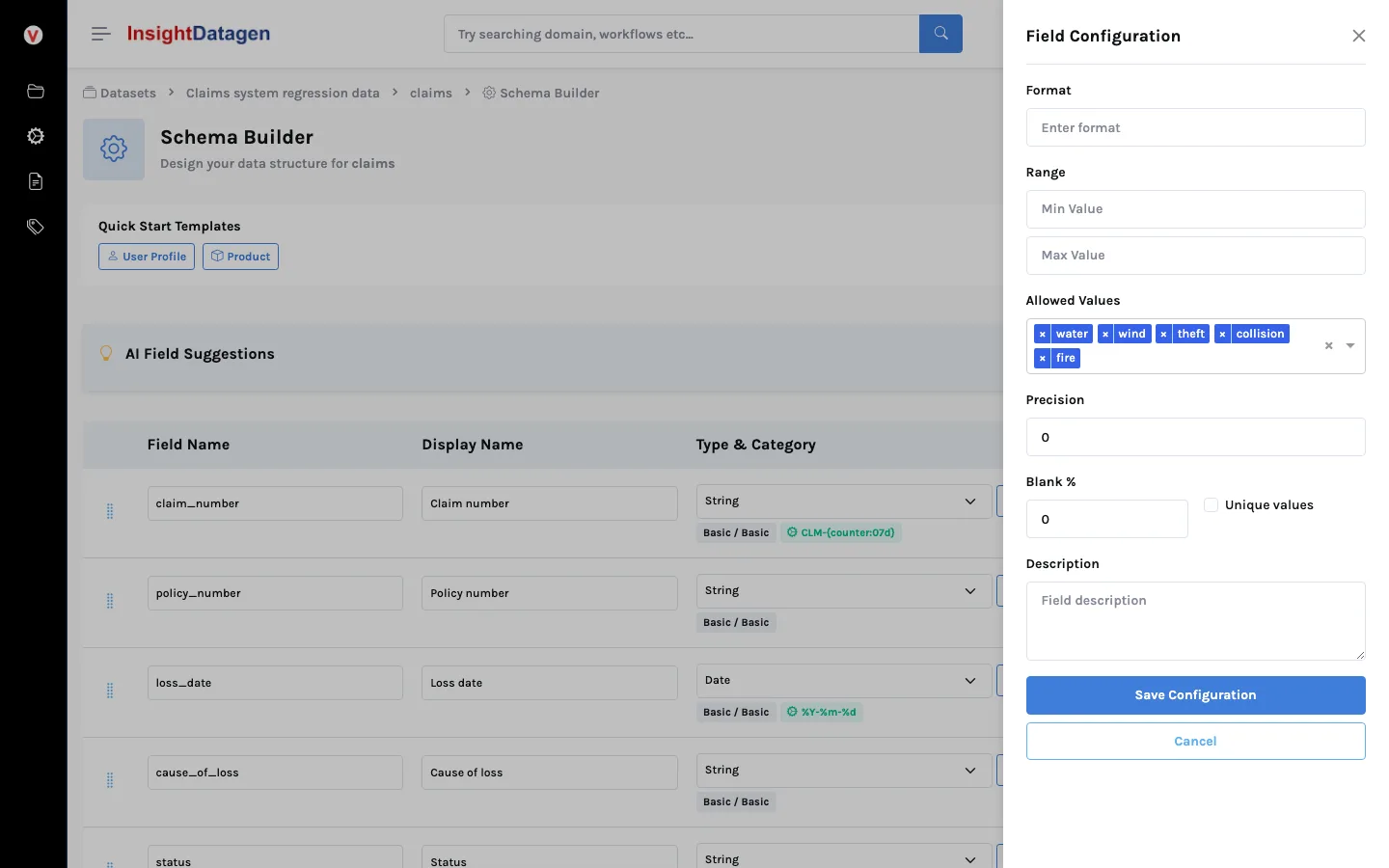
- allowed_values for codes and statuses;
- uniqueness for keys;
- foreign_key (a table and column) to point at another table, and linked to copy a related value across;
- example values, which guide the LLM generator.
In the web UI the same fields are edited in the Schema Builder: one row per field with its type, and a configuration panel for format, range, allowed values, precision, blank percentage and uniqueness.
Keeping tables coherent
The schema is where you say how the tables relate: a foreign_key from a child to its parent, so parents are generated first and
children draw their keys from them, and a linked field that copies a related value (here, the claim's underwriter) from the parent row.
The ratio in the example (25 policies, 100 claims) is yours to set. Whatever the schema declares, the tests that depend on it should confirm it,
which is what the check step below is for.
What to check after a run
For this article we ran the product's generation code with the Faker generator against the insurance example schema as it ships. Each rule in the schema has a matching check, and running those checks on every run is what lets a test suite depend on the data:
| Rule in the schema | What to check |
|---|---|
allowed_values for the status | Every status is Active, Expired or Cancelled. |
range_min / range_max and precision on the premium | Amounts sit within the range, at two decimals. |
Counter format on policy_id | Ids are unique across the whole run, not just within a batch. |
| Uniqueness | Declare it as a rules entry of type unique, which drives the de-duplication step, and check key columns for duplicates. |
foreign_key from claims to policies | Every claim's policy_id matches a policy. |
| Date ranges | Dates fall inside their ranges, and end dates follow start dates. |
Treat a generated run as a candidate: check it, and adjust keys in a small post-processing step where a check fails. With the LLM generator, each table is written in its own request, so the same key checks apply.
How many rows you get
A table's own num_records in the schema wins over the --records option on the command line; the option only
applies to tables that do not set one. Rows are generated in batches of ten. With the LLM generator each batch is retried twice, and a
batch that still fails is skipped rather than stopping the run, so an LLM run can return fewer rows than asked for. Count the rows as
part of the check.
Choosing where it goes
The same schema can be delivered as CSV or JSON files, to an S3 bucket and prefix, into a SQL database through a connection URL, into MongoDB, or as webhook traffic (a batch of records every few seconds for a set time) to test an endpoint under a steady load. Nothing in the schema changes between them.
From one schema to many runs
- Small and fast for unit tests: a few records per table, Faker generator, local files in the test's temp folder.
- Large for performance tests: the same schema with higher record counts, written straight into the test database.
- Rich for UI and document tests: the LLM generator for free-text fields such as descriptions and notes.
Questions teams ask
Can we start from our real table definitions?
Yes, and you should: keep the column names your code uses, so the generated files load without a mapping step. Through the API, a schema can also be drafted by a language model from an uploaded CSV, as a starting point to edit.
What file does each table become?
One file per table, named after the table in snake case (PolicyDetails becomes policy_details.csv). JSON output is
written as JSON Lines, one record per line, which most loaders read directly.
What about fields with no rule?
Faker falls back on the field name: names containing first_name, email, city or company
get matching fake values, and a string field ending in id gets a number. Anything else becomes a random word, which is a hint
that the field needs a rule.
A checklist for a new schema
- Start from the real table definitions; keep the column names your code uses.
- Give every key a format, plus a
rulesentry of typeunique; give every code anallowed_valueslist. - Declare a foreign key for every join your tests make, and check those keys in your test setup.
- Set ranges from what production allows, not from what is convenient.
- Write a one-line description for every free-text field; it is what an LLM generator reads.
Next: streaming test data to Kafka.