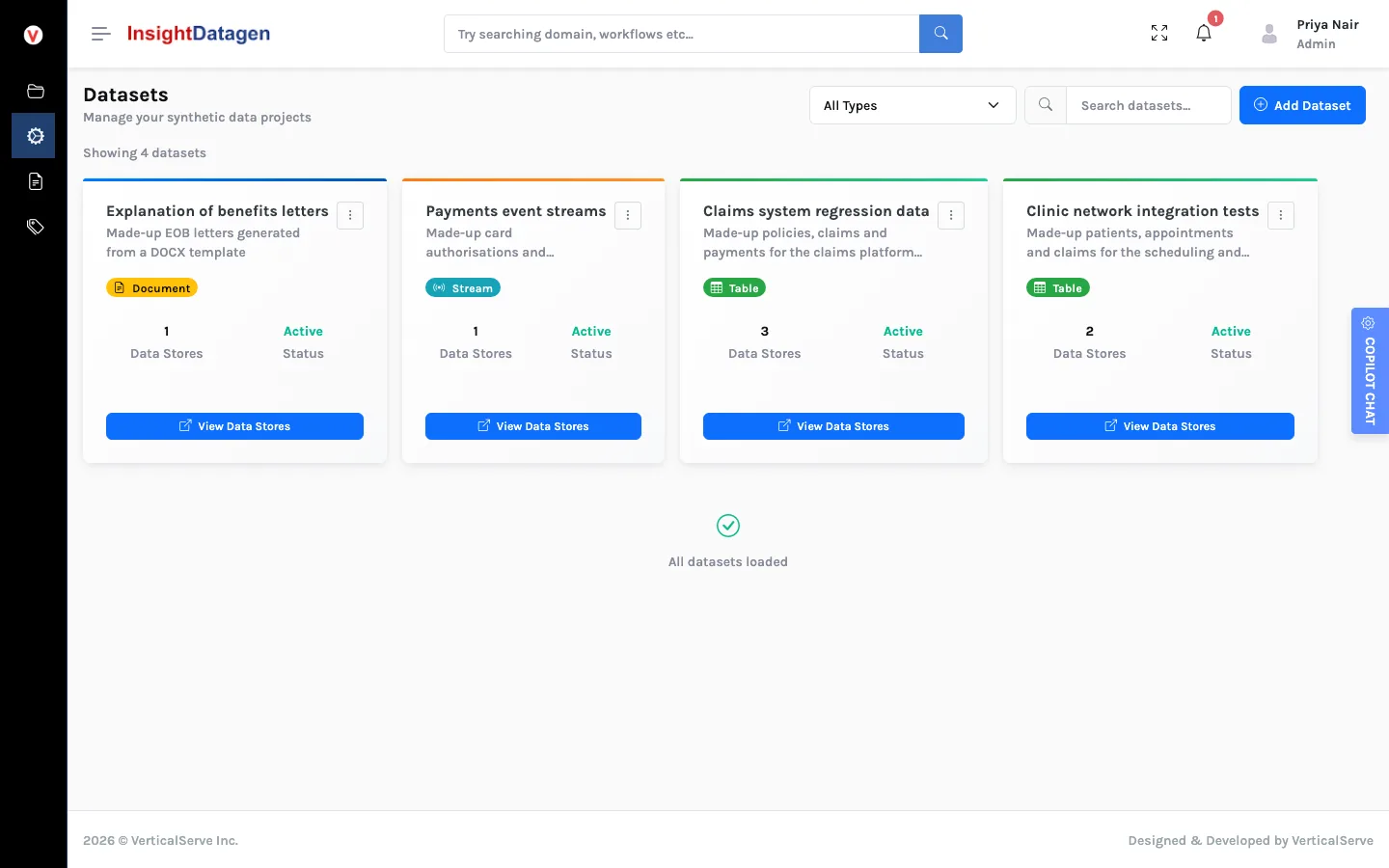
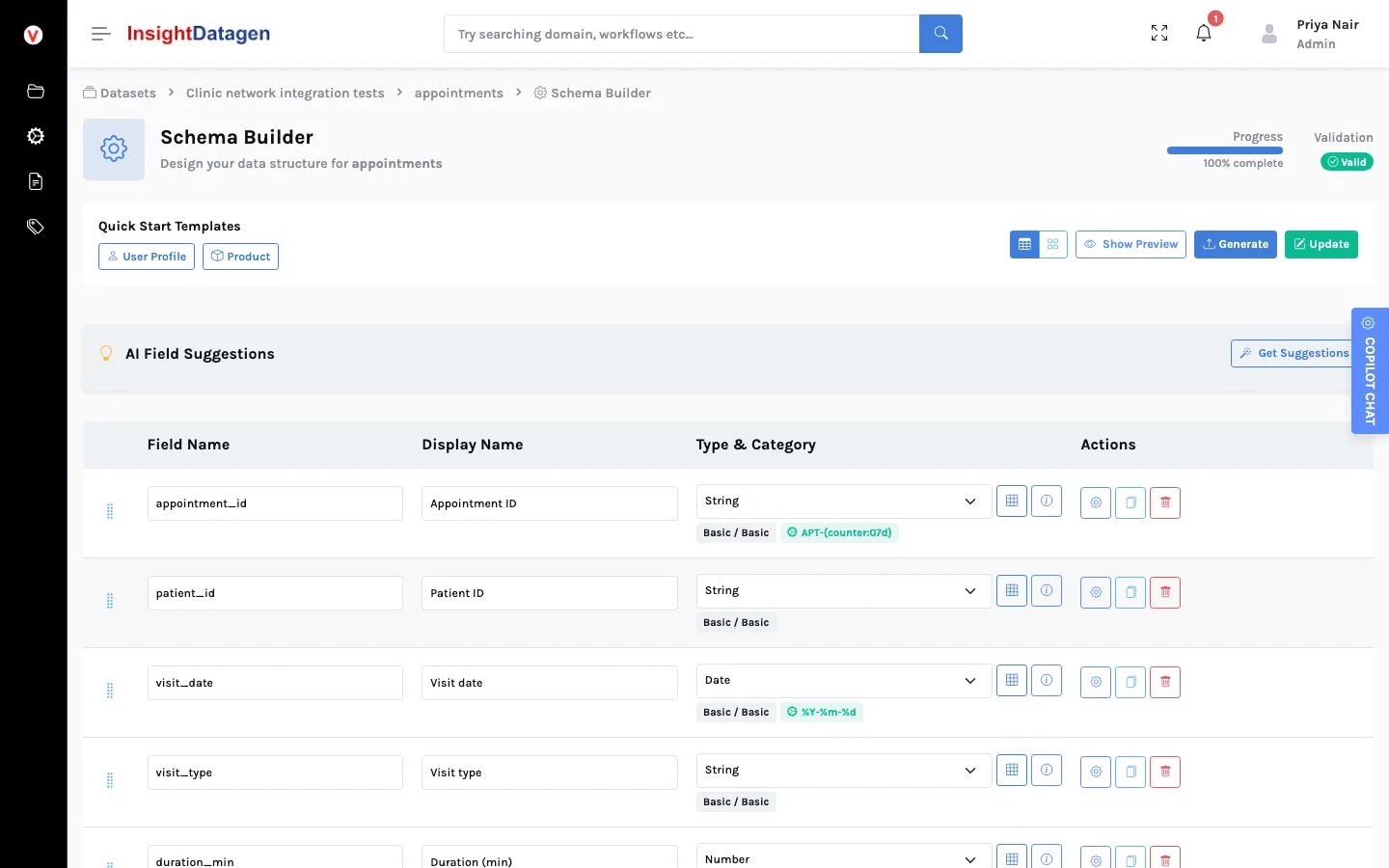
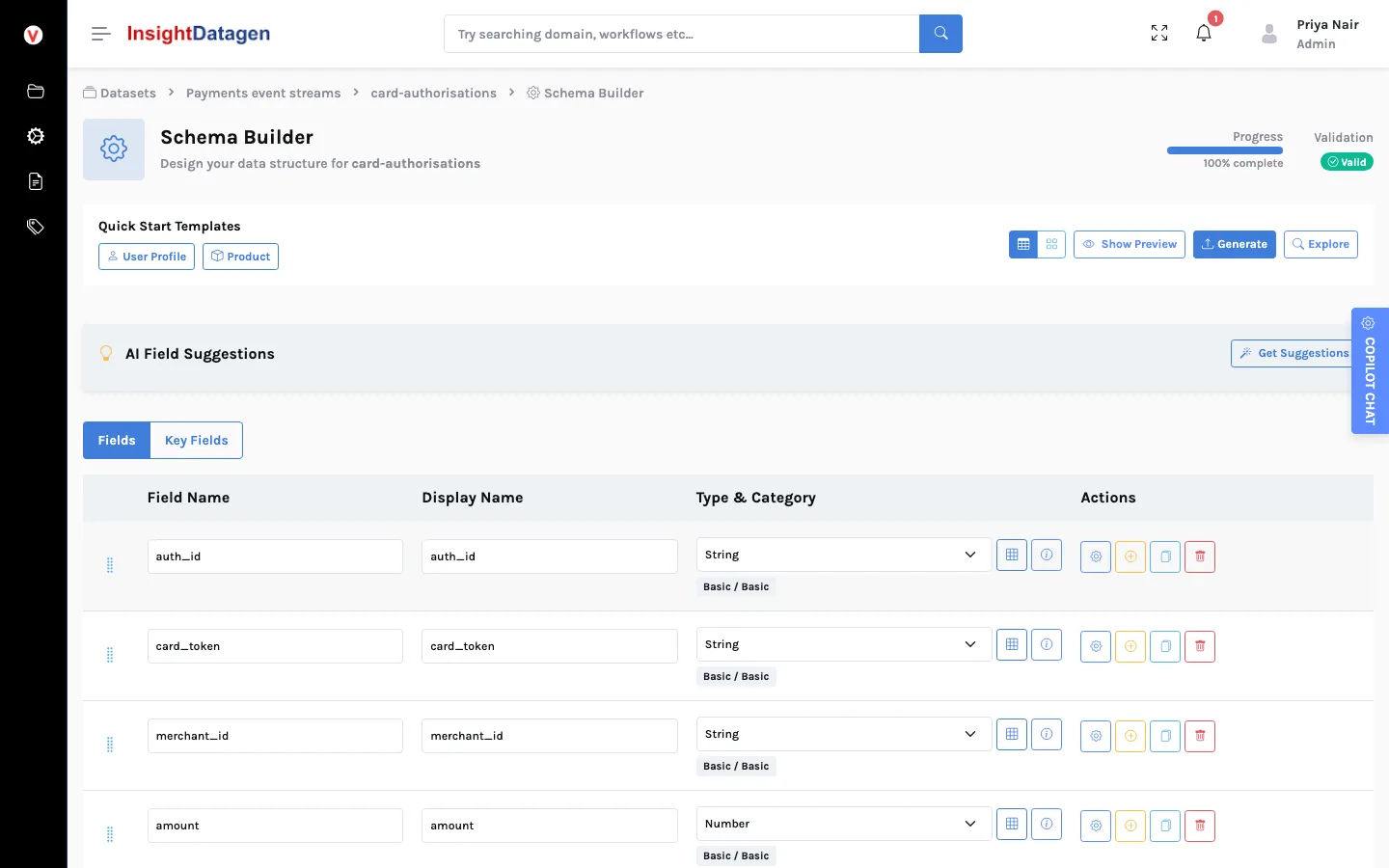
Insurance systems are among the hardest to test with realistic data. Policies, claims, coverages and documents depend on each other; the edge cases (a claim filed a day after a policy lapses, a premium at the top of its band) are exactly where defects hide; and the real data is full of personal and commercial information that has no business in a test environment. InsightDataGen ships with an insurance example schema for this reason.
Fernhill Mutual's new claims platform
Fernhill Mutual (a fictional regional insurer) is replacing its claims system. Aisha, the QA lead, needs a test environment with thousands of policies and claims that hang together, plus the policy documents that the new intake process reads. Production data is ruled out by the privacy team, and the vendor's demo data has twelve policies.
The plan
Tables
Aisha starts from the example schema: PolicyDetails with policy ids in the POL-000001 format, premiums between
100 and 5,000 with two decimals, start dates between 2020 and 2024, end dates after them, and a status from Active, Expired or Cancelled;
ClaimsDetails with claim ids and a foreign key to the policy. She adapts the column names to the new platform's tables and sets
2,000 policies and 8,000 claims, so most policies have several claims and some have none.
She runs the generation with the Faker generator to local CSV files first, not straight into the database, because the first run of a
new schema has to be checked: policy ids unique across the run, every claim's policy_id pointing at a generated policy, and every
policy ending after it starts. Those checks run before the platform's foreign-key constraints see the data.
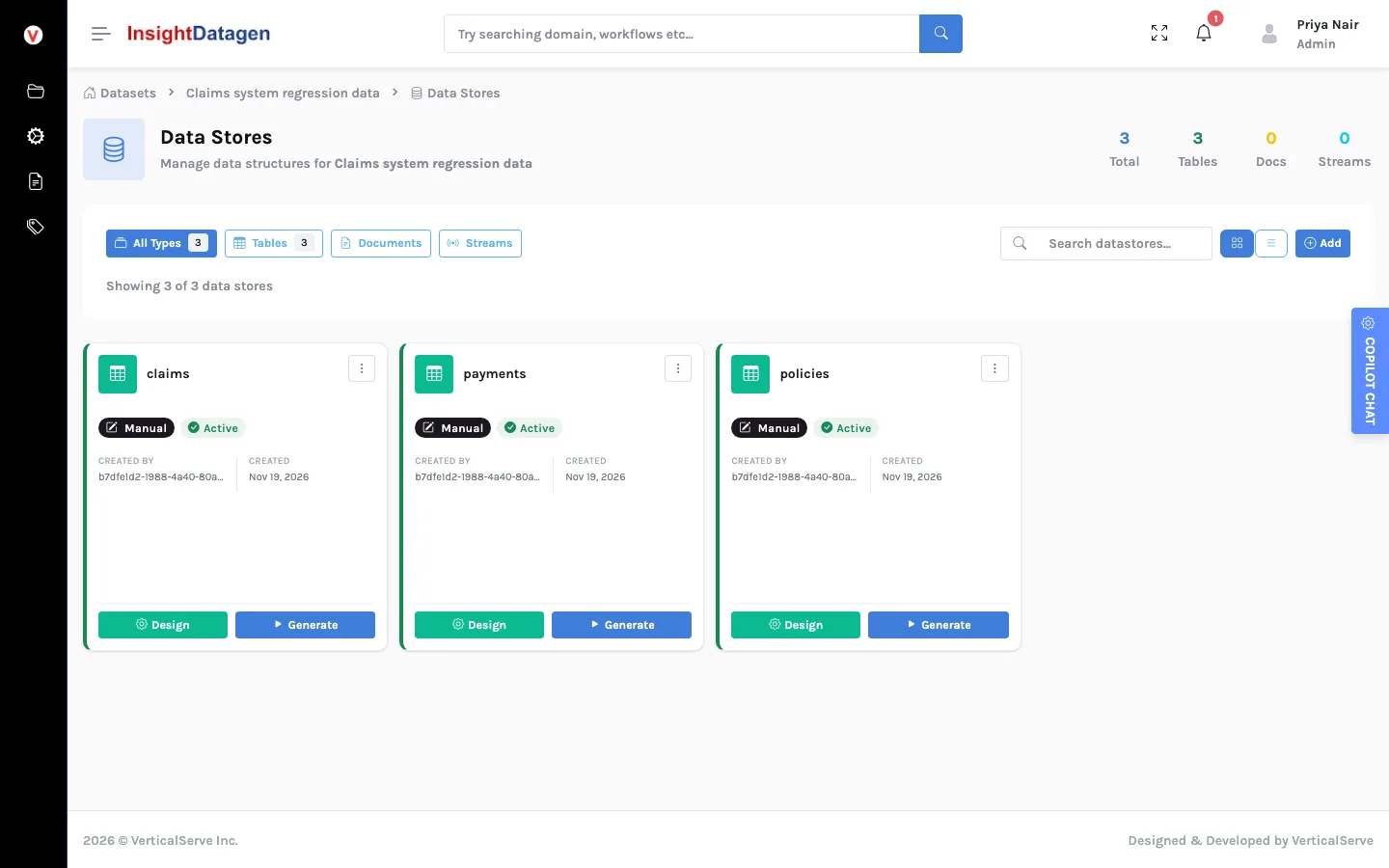
The same three tables can also be set up in the web UI as data stores in one dataset, which is how a tester who does not use the CLI would see them.
The check step
Aisha adds a short script to the test setup that runs after every generation:
- Renumber
policy_idasPOL-000001toPOL-002000in row order, and the same for claim ids. - Give every claim a
policy_iddrawn from the generated policies, with a skew so that some policies get several claims and some none. - Redraw start and end dates inside the schema's ranges, with each end after its start, and each claim date between them except in the runs meant to test the rejection path.
- Fail the setup if any key is duplicated or any claim points at a missing policy.
Then she loads the files into the test database. The script is twenty-odd lines and lives next to the schema, so every rebuild of the environment runs the same checks.
Documents
The intake process reads a PDF schedule for each policy. Aisha prepares a Word template with fields for the policy number, insured name, limits, dates and premium, and a schema for those fields. Document generation produces one document per record as PDF into the test bucket; for the free-text clauses she uses the LLM generator so the documents read like real schedules rather than lorem ipsum.
The template, in practice
Placeholders in the template take the form {{policy_details.policy_number}}: the table's name in snake case, a dot, and the
field. A placeholder that starts with aiprompt: is different: its text is sent to the model as a prompt and the answer is written
into the document, which is how the schedules get clauses that read naturally. With its testing flag set, the CLI's document generation reads its rows from a CSV
you give it instead of generating them, so Aisha fills the documents from the corrected policy file, with column headers renamed to match
the placeholders, and the PDFs agree with the database. Output files get random names (generated_ plus a short id), so the
intake tests look up each document by the policy number printed in it, not by file name. When it generates its own rows instead, it
defaults to two documents, so set the count explicitly.
What changes for the QA team
- Repeatable environments. The schema and template are files in the test repository; rebuilding the environment is one command per run.
- Volume when it is needed. The performance test uses the same schema with ten times the records.
- Nothing real. No production extract, no masking job, no exception request to the privacy team.
Expired policies with open claims
Because the status is drawn independently and the check step assigns claims without looking at status, the data will include expired policies with claims against them. That is a real scenario (claims are often reported after expiry), and it is worth a test of its own: a claim screen that assumes an open claim always has an active policy would fail on it. An illustration on made-up data, not a reported result.
Questions QA leads ask
How big can a run be?
Big enough for a performance environment with Faker, which generates locally in batches. With the LLM generator, every ten rows are a model request, so keep LLM runs to the tables and row counts whose free text matters.
Can we keep the expired-with-claims cases?
Yes, and you should: the status is drawn independently of the claims, which is what produces the case above. The check step assigns claims to policies without looking at status, so those cases survive it.
Steps to reproduce this pattern
- Copy the example insurance schema and rename tables and columns to match your system.
- Set record counts per table to give realistic ratios (claims per policy, lines per claim).
- Generate with the Faker generator to files, check keys and dates in a short script, check the joins, then load a disposable test database.
- Prepare a document template for each document type your process reads, and generate them with the LLM generator for free text.
- Commit the schema and templates next to the tests; rebuild the environment from them.
Next: use case: integration testing for a made-up clinic network.